


Copywriting has always been a trade-off. We need it to be fast. We need it to have heart. Lately, lots of folks have been using AI-powered tools to get their copy drafted quicker. And yeah, they can help. But occasionally, they come out sounding like a computer programmed to act like a human at Starbucks. Correct… just not that cool.
So humanizing copy becomes part of the skill set.
When “Perfect” Writing Feels Wrong
You know when you read a paragraph of copy that’s grammatically perfect but still… feels dead? No cadence. No character. No voice. People can tell, even if they can’t explain why.
We copywriters can tell even quicker. The headline is great, the copy is fine, but the voice is weird. Like someone took all the character out of it with a hot iron.
Bringing the Human Voice Back
Humanizing AI copy is really just editing with a little swag. With a bit of flair. With some conversational copy here and there. Even a sentence that isn’t perfectly constructed.
That’s because copy isn’t supposed to sound like a slab of polished granite. It’s supposed to sound like we’re having a conversation. It’s a little imperfect, a little stumbling, and even occasionally a little funny. And yeah, that’s what works.


What Is an AI Text Humanizer?
You’ve probably come across an AI-generated text that raised an eyebrow. The information was spot-on, the language was correct, but the language itself sounded somewhat rigid. As if someone had learned to speak English but not exactly how we have our everyday conversations. The text humanizer helps to bridge that divide.
Converting Robot Language to Everyday Language
Essentially, a text humanizer is a tool that edits AI-generated text to make it sound more human. It might shorten some sentences. Add a colloquialism or two. Perhaps throw in a question to make sure the reader hasn’t fallen asleep.
Consider it more of an editing tool than anything else. Think of it as taking the top button off a shirt that is a bit too formal.
Getting the Character Back in the Content
All writing has its idiosyncrasies. A little hesitation. A mildly clumsy sentence. Perhaps even a bit of a swagger.
Humanizing text is all about putting these little character traits back into the writing. Not polished. Not robotic. Just human enough so that the reader doesn’t think: “This was written by a robot.”
Best AI Text Humanizer for Copywriters
- UnGPT
- Ace Essay
- Undetectable AI
- Walter AI
- Humanize AI
- Phrasly AI
- The Humanize AI
- HumanizerPro
- Rephrasy
- Twixify
1. UnGPT
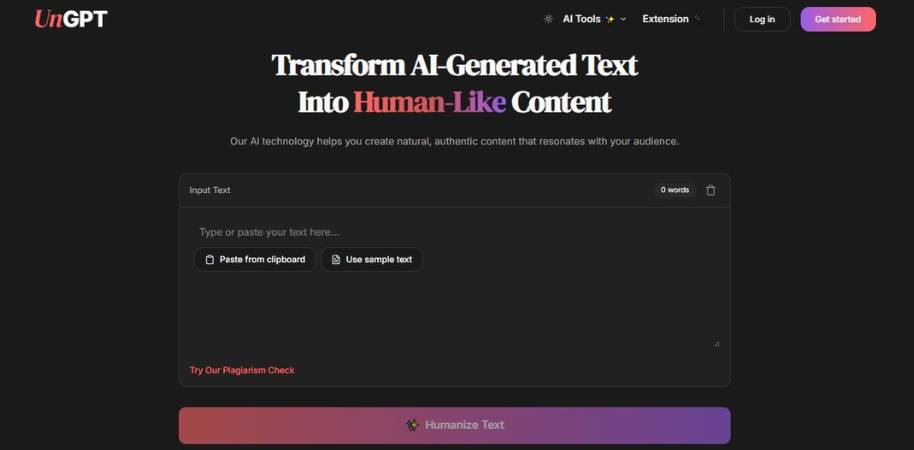
What is UnGPT? UnGPT is an AI text humanizer. You input your AI generated content, click the humanize button and the tool tries to rephrase your writing so it has a more natural flow. I guess the idea is to make AI generated content less robotic. There are a few other tools like this that I’ve played around with. It’s one of those things. They’re fine. If you want to remove a bit of the robotic nature of AI generated content, it’s not a bad idea to run it through a tool like this.
Top Features of UnGPT
- AI content humanizer: UnGPT attempts to humanize AI generated text so it’s less robotic.
- It has an adaptive text engine to improve readability.
- It has contextual synonym substitution.
- It offers multi-pass refinement.
- Grammar and SEO recommendations.
My Thoughts on UnGPT
I think UnGPT is geared towards content writers that want to humanize AI content. It doesn’t really change the underlying content, it just removes some of the robotic flow. I prefer tools that respect the original text and don’t mangle it. That’s just my personal preference. It’s not revolutionary, but I can see how it would be useful to run content through UnGPT as a final editing pass before publishing.
2. Ace Essay
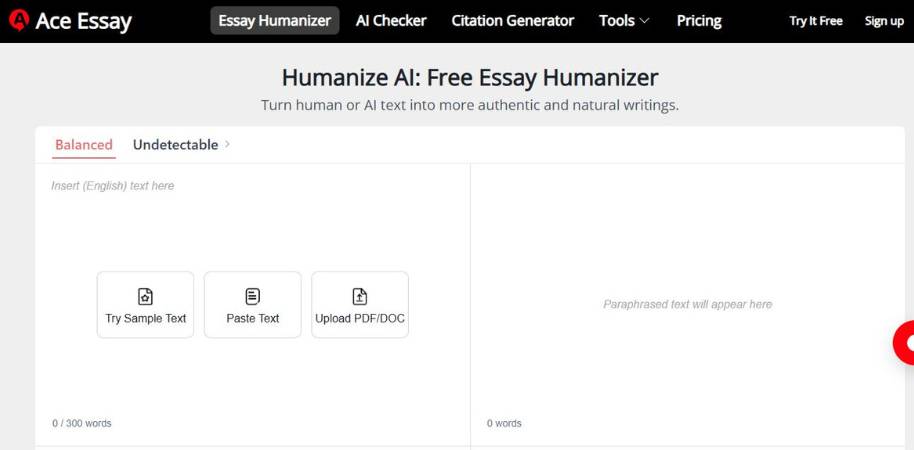
In this review, I’m going to take a look at the Ace Essay Humanizer, a tool specifically designed to make AI-generated content read more human-like. So, you upload your essay, press a button, and the Humanizer changes the text to make the language less AI-like, yet the content remains the same. It is basically an AI essay smoother that wants to make AI text appear as human as possible. Think of it as a kind of essay editor, only instead of taking days or weeks to get back to you, it takes seconds. Here’s what the Humanizer can do.
Key Features
- AI Essay Humanization This is the tool’s bread and butter. It takes AI text and makes it sound more human.
- AI Detector Evasion The Humanizer can detect and remove markers that make AI detectors like GPTZero or Turnitin think that the essay was generated by AI.
- One-Button and Simple This tool is very easy to use, and getting humanized content back is only a button away.
- Plagiarism and Originality The Ace Essay Humanizer aims to avoid plagiarism while retaining the original essay’s message.
- Citation and Essay Help On top of humanizing AI content, the platform also offers tools to help you write your essay and detect AI-generated essays.
Overall Conclusion
The Ace Essay Humanizer seems primarily geared toward students. It’s not as aggressive in rewriting your work as some other tools on this list, but it still does an admirable job of helping you smooth out AI-generated essays. While not perfect, it does an excellent job.
3. Undetectable AI
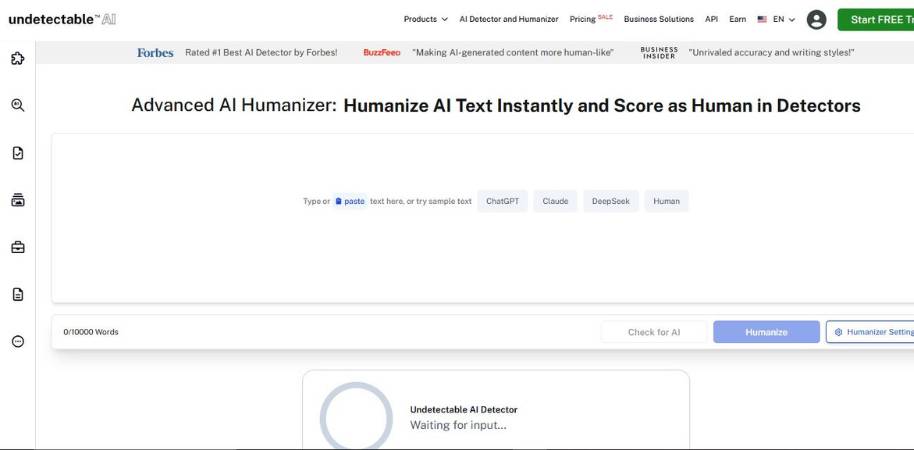
Humanizer is a tool from Undetectable AI that’s very straightforward: it helps make AI content less detectable by rewriting it to sound more natural. You input your AI-generated text, and Humanizer rewords, restructures, and re-organizes the content to look more human-like. They aim to remove the “AI” signatures that are detectable by AI detectors and the human eye. Some AI content can sound a bit too perfect. Humanizer softens the writing (in a good way).
Key Features
- AI Text Humanization: rewords AI-generated text to sound more natural through structure, wording, and sentence flow changes
- AI Detection Checker: includes an AI detector to check how likely your content is to be detected by several AI detection tools
- Pattern and Structure Refinement: looks for repetitive phrases and structures associated with AI content, and changes them to be more similar to human content
- Fast Text Processing: the algorithm rewords your content after copying it into the editor, and you can trial-and-error revisions in a matter of seconds
- Style Adaptation: tones down the text to sound more conversational and interesting to human readers.
Conclusion
I think Undetectable AI’s Humanizer tool is a useful tool for anyone who’s already writing AI-generated drafts, and wants to make their content sound more “human.” The tool actually focuses on reducing the robot-like structures, rather than doing a full re-write, which I like. Sometimes I just want to loosen up the text, not re-write an entire article. Is it perfect? No tool is. But as a final check before you publish, it’s a useful tool, and it’s relatively easy to use.
4. Walter AI

Walter AI is an AI humanizer tool that takes AI-generated text and makes it sound more human-like. You paste your text into their platform and it will re-write your content to sound more human-like. Along with the humanizer tool, they also have a built-in AI detector tool that will give you a score on how likely your content will be detected by AI detectors such as GPTZero and Turnitin. So, Walter AI is essentially a 2-in-1 tool that offers humanization and AI detection functionalities.
Here are some of the features that Walter AI offers:
- Human-Style Rewriting: Re-write AI content to a human-sounding style, tone, and syntax.
- Built-in AI Detection Check: Once you re-write your content with Walter AI, you can check the AI detection score of your content and see how likely it is to be detected by AI detectors such as GPTZero and Turnitin.
- Removes Robot-Like Sentences: Remove robotic sentence structures and awkward AI-sounding phrases.
- Human-Like Rewrite: Re-write AI content to a human-sounding style, tone, and syntax.
- Easy Re-write: Simply copy and paste AI content into Walter AI and press re-write and you will receive a human-sounding version of the text.
- Use for Articles, Blogs, and Books: Use Walter AI to make all your articles, blogs, and books sound human-like.
- Use for Marketing and Sales: Use Walter AI to make your marketing and sales copy sound human-like.
- Use for Academic Content: Use Walter AI to make your academic content sound human-like.
- Use for Business Content: Use Walter AI to make your business content sound human-like.
What are my thoughts on Walter AI? Overall, I think that Walter AI is a very useful tool for anyone that wants to use AI content but still want to sound human-like. The fact that they offer an AI detector built into their platform makes it incredibly convenient to use. I also appreciate the fact that Walter AI tries to re-write content into a more human-like tone, flow, and syntax as opposed to just using synonyms for each word. This will likely create much more natural content. Keep in mind that no tool can make your content 100% undetectable, but Walter AI can certainly help you create more human-sounding content.
5. Humanize AI
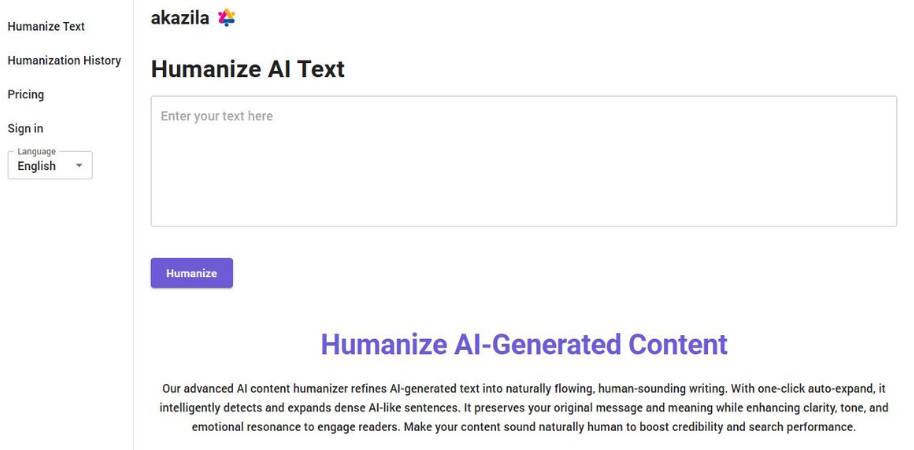
Akazila’s Humanize AI tool is designed to make AI content more readable. All you need to do is input your AI content, hit humanize, and let the tool rephrase the words to make them sound more natural and human-like. It’s not a rewriter tool. Rather, it is used to make minor adjustments to your AI content. In other words, this tool removes awkwardness from AI content to make it sound more natural.
Features of Humanize AI by Akazila
- AI Content Humanization: With this tool, you can convert AI content into human-like text without losing the original tone and intent.
- Smart Auto-Expand: This tool identifies awkward sentences in your AI content and adds more details to make them sound natural.
- Natural Flow: It modifies AI content to improve the flow and tone to make it sound more human.
- Multi-Lingual: Akazila’s Humanize AI supports multiple languages, including English, Spanish, French, German, etc.
- Meaning and Tone Preservation: This tool modifies AI text without changing the tone and meaning of your original content.
My Take on Akazila’s Humanize AI
Akazila’s Humanize AI tool is best suited for those who rely heavily on AI tools for content creation but still want their content to sound human-like. I particularly liked the Smart Auto-Expand feature of this tool. Sometimes AI sentences just require expansion and not paraphrasing. Furthermore, I appreciate how this tool preserves the original meaning and tone of AI content. Needless to say, Akazila’s Humanize AI tool is not perfect. But if you find your AI tool is producing clunky content, you can use Akazila’s Humanize AI tool to make the content sound more natural.
6. Phrasly AI
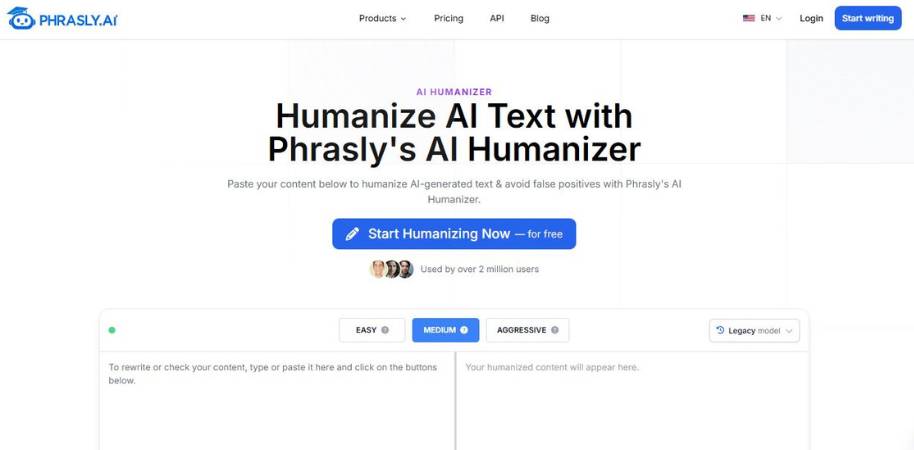
Phrasly AI is a tool that you input AI content into, and it “humanizes” it. This means that it tweaks the text to make it sound more natural, less robotic, and less likely to be detected by AI detection tools. If you’ve ever generated content with an AI tool and said to yourself “this is ok… but I wouldn’t write it like this”, then this is what Phrasly AI is trying to solve.
Main Features
- AI Content Humanizer This feature takes AI generated text and makes it sound more natural by changing the wording, sentences and flow.
- AI Detection Evasion This feature reduces the incidence of phrases and sentence patterns that are commonly used to detect AI generated content.
- AI Detection Test The tool also allows you to run your content through a range of AI detection tools to check how likely it is to be identified as AI generated.
- Multiple Humanization Strengths You can choose how much of the content is rewritten, with options ranging from a light touch all the way through to a full rewrite.
- Rapid Fire Editing With this tool you can copy and paste your content into the editor and rapidly generate new content without having to go through the arduous process of editing.
The Verdict
I think this tool is best suited to people who are already using AI content, and want to make it sound more human. I also appreciate that the tool doesn’t try and rewrite your entire article from scratch, it simply irons out the kinks and polishes the text. I’m also a big fan of the AI detection tool. Whilst I’m sure it’s not fool proof, it’s a great way to check whether your content is likely to be identified as AI generated or not. Whilst I wouldn’t rely solely on this tool for editing, it’s a great final step to tidy up any content before publication.
7. The Humanize AI
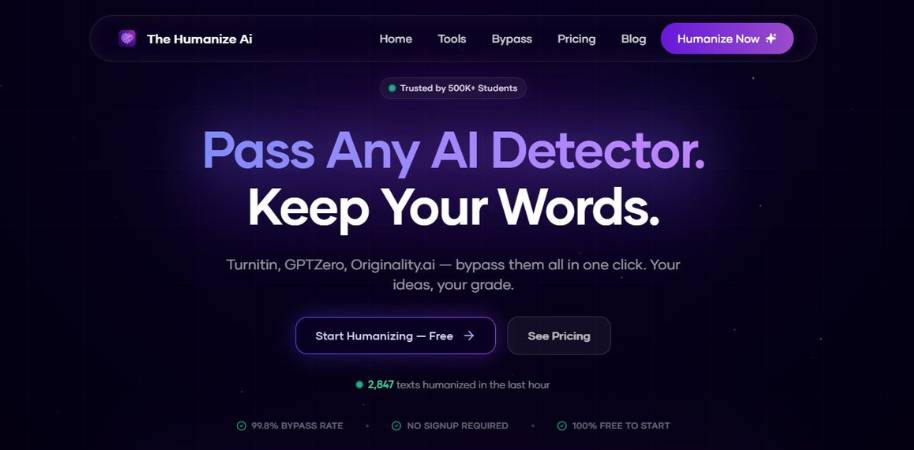
The Humanize AI tool takes AI-generated text and makes it sound more human. It does that by adjusting the sentence structure, words, and tone to sound less robotic. It does that by you copying your AI-generated text into the editor, hitting a button, and letting the software make the necessary changes. The purpose of this tool is simple. It is meant to keep the essence of your text but make it sound more human-like. AI-generated text can sound a bit too perfect at times. This tool aims to inject a bit of human touch into it.
Features
- Humanize AI Text It changes the structure of AI-generated text to sound more human-like.
- Corrects Pattern And Flow It identifies the robotic pattern of AI text and corrects them to sound more human-like.
- Copy-Paste Interface You copy your text into the tool and get a humanized text in seconds. No need to sign up or set up anything.
- Handles Long Documents It can handle large chunks of text at once. You can humanize a whole article, essay, or report at once.
- Keeps The Original Meaning The tool rewords the text without changing the original meaning or context.
Conclusion
The Humanize AI tool is for those who use AI-generated drafts but want to sound more human. I like that it emphasizes changing the sentence structure more than anything. That usually produces a more natural flow that doesn’t sound too robotic. Will it bypass all AI detectors? I doubt it. However, it is a great tool for anyone looking to humanize their AI-generated text to make it more readable.
8. HumanizerPro
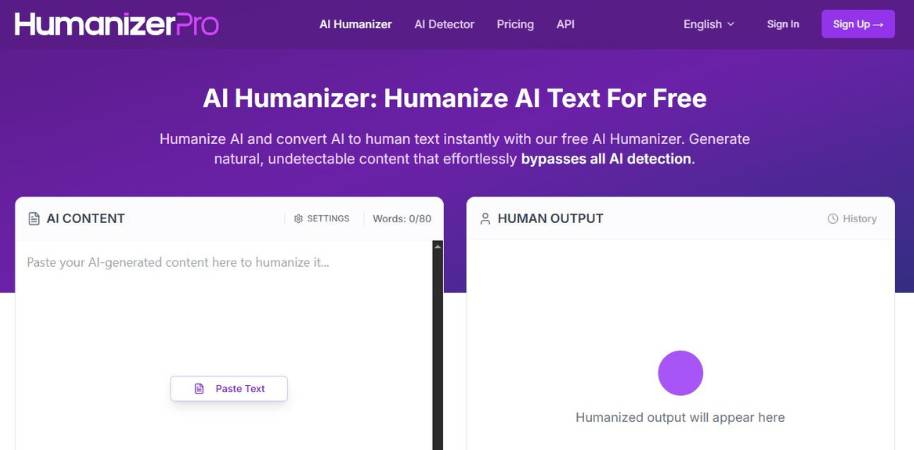
HumanizerPro is an AI-humanizing tool that aims to make your AI-generated content less robotic and more human-like. You input your AI-generated text into the tool, press a button, and it changes the sentence structure and word order to make it sound more natural. The goal of the tool is to overcome the repetitive patterns typically associated with AI-generated text. If you’ve ever read AI-generated text and thought, “The content is great, but it sounds a bit off…” this is the kind of issue HumanizerPro is trying to solve.
Main Features
- AI Text Humanization: Changes the structure and order of AI-generated text to make it sound more natural. Gets rid of repetitive patterns typically produced by AI tools to make the text sound more natural.
- Multiple Modes: Has different modes you can use (e.g., basic, standard, and advanced) to adjust how much your text is rewritten.
- Multi-Lingual: Currently supports over 30 languages.
- AI Detection & Fact Checking: Some plans come with AI detection, a plagiarism tool, and fact-checking features.
My Verdict
HumanizerPro is a tool for those who are already using AI-generated text and want to get rid of the typical patterns that scream AI-generated content. I like how the tool doesn’t just replace words, but rather changes the structure and order. Is it a silver bullet? Nope. But it is a useful tool to make your AI-generated text sound more natural and less robotic. Use it as a quick editing tool, but not a replacement.
9. Rephrasy
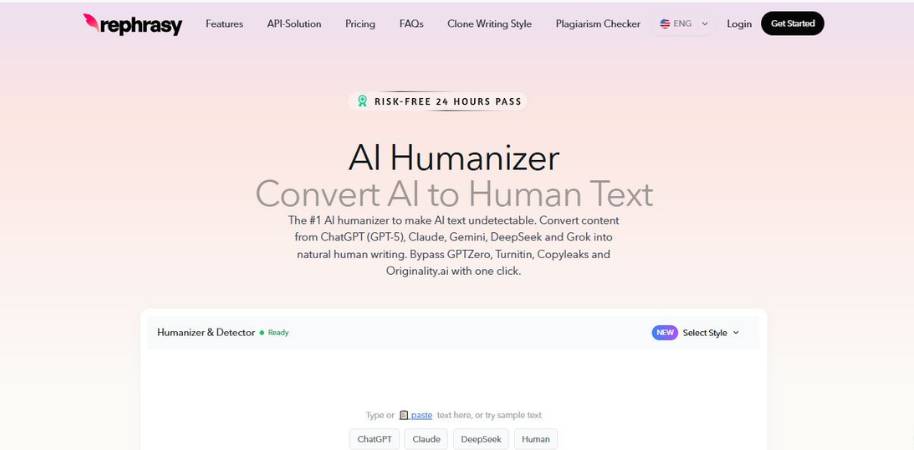
Rephrasy is a dedicated AI humanizer designed to solve one key problem: how to make AI-written copy sound more like it was written by a human. This is how it works. You input your copy, select a style, and Rephrrasy rewrites it to make the copy sound more natural while trying to preserve its original meaning. In addition, it also features a built-in AI detector, which allows users to check how likely it is that their copy is still detectable as AI-written. In other words, Rephrasy is trying to do 3 things at the same time: make the copy sound more natural, make it easier to read and remove the “AI voice” from it.
Main Features
Here are some of the key features Rephrasy offers:
- AI Text Humanization. Rephrasy rewrites AI-generated copy to make it sound more natural by tweaking the sentence structure, words and phrases used.
- Built-in AI Detector. Once the copy has been rewritten, users can run it through the detector to determine the likelihood that the copy is still detectable as AI-written.
- Writing Style Customization. Users can select from various styles and can even “clone” a style, allowing them to emulate the style and voice of a specific author.
- Multi-language support. Rephrasy supports multiple languages, making it an ideal tool for writers who work with international clients.
- Plagiarism & Content tools. Rephrasy also features a plagiarism tool and a content improver to help users increase the originality and readability of their copy.
Conclusion
Rephrasy seems like a tool specifically designed for users that are already relying on AI-generated copy but need help removing the robotic tone from it. Personally, I like the idea of combining a humanizer with a detector in the same tool as this removes the need to hop between tools. This type of tool shouldn’t be viewed as a “magic button.” Sometimes, there is no substitute for a human editor. However, if you need to perform a quick rewrite and want to run a quick test on your copy before publishing it, Rephrasy can definitely come in handy.
10. Twixify
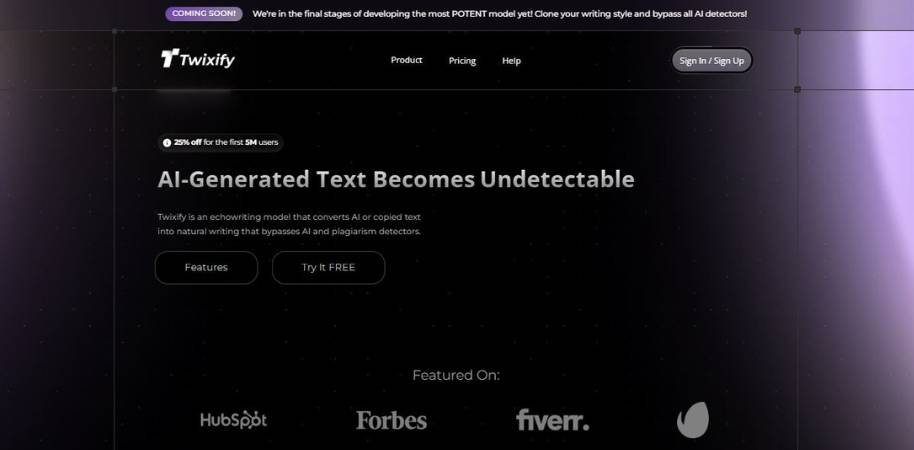
Twixify is an AI humanizer. What it does is it takes AI-generated text and attempts to make it sound more human. It does this by changing the tone, the language, even the structure of paragraphs. It also attempts to mimic the writing style of users. In a way, you are teaching it to write a bit more like you. Some of the features that it does include:
- AI text humanization. So it takes AI-generated text and it makes it sound a bit more human, a bit less robotic.
- Writing style mimicry. So it makes the text sound a bit more personalized.
- Word and phrase filtering. It filters out repetitive phrases and awkward language patterns that could indicate AI-generated text.
- Echowriting mode. This mode analyzes the tone, the complexity, and the style of writing and rehumanizes the text to sound like a specific writer or example text.
- AI detection avoidance. So it tweaks AI text patterns to avoid AI detection.
So how do I conclude? Well, Twixify appears to be a tool for anyone who is generating text with AI, but they want it to sound more like them. I do think that the writing-style mimicry is quite innovative. I don’t see that with every rewriting tool out there. That being said, tools like this are best used as a helper, not as a button you press and then you just forget about it. You will still have to do some editing here and there. However, if you need AI-generated text to sound more human and sound more like you, then Twixify is a tool that can help you do that.
Why Copywriters Need Humanized AI Content
Fast is fantastic. I don’t know any copywriter that would turn down the option to save 50% of the time it takes to write a piece of content. However, just because content is fast, doesn’t mean it’s good. And readers can tell when content is lifeless. It reads smoothly, but somehow it also reads cold. Humanization is one of the keys to solving this.
Readers Respond to a Human Voice, Not a Computer’s
It’s not just mathematically correct sentences that sell. It’s stories, feelings, and little injections of personality that sell. The sentences that are the most memorable aren’t the ones that are the most perfect. They’re the sentences that feel human. A humanized AI-generated piece of content will do the same. It will ask a question. It will throw in a colloquialism. It will talk the way a real person talks.
People Have to Trust the Tone
Ultimately, copywriting is a matter of trust. If the tone doesn’t feel trustworthy, then it’s not going to work. Humanized AI-generated content gets rid of the computer sounding sentences and replaces them with ones that sound like there is an actual human being typing them out.
Key Features to Look for in an AI Text Humanizer
Not every tool that promises to humanize text does it effectively. Some replace a few words and leave the text sounding like a know-it-all who’s trying to be your buddy, and you can tell that they’re trying too hard. To sound human, a text must have a flow, like a river that gently flows to its destination.
Flow and Variety of Sentences
The first indicator of a well-humanized text is its flow. A written text must have short sentences and long sentences and some in between. The sentences must be so arranged that they do not sound monotonous. A good humanizer will rephrase your sentences into a smooth wave.
Human-Like Tone
When was the last time you heard someone speak in grammatically correct complete sentences? If your text is too grammatically correct, it may not sound so human. An effective humanizing tool must tone down the grammatical accuracy and produce sentences that mimic spoken language. It must generate idioms and colloquial expressions and rhetorical questions. Imperfect sentences sound more human than grammatically accurate sentences.
Best Ways Copywriters Can Use AI Humanizers in Their Workflow
There are a lot of deadlines. And a lot of drafts. And sometimes you’re semi-brain-dead, but your client still needs something “clever” by tomorrow morning. That’s when AI-generated copy comes in handy. Just not perfect.
Cleaning up AI-generated copy in the polishing phase. How to humanize AI-generated copy.
- Step 1: Polishing the rough draft. I use the metaphor of kneading dough. The shape of the idea is there, but it needs some work. So it goes into the humanizer, where I tidy up clunky language and robotic sentences. I’ll look at a sentence and ask myself, “Would I say that?” If not, I change it.
- Step 2: Injecting some personality. This is where I add a wisecrack. A colloquialism. An irregular cadence. Why? Because overly refined copy rings false. Nobody wants to read something that was written in a factory.
Conclusion: Balancing AI Efficiency with Human Creativity
Copywriting has always been as much an art as a science. The tools can make it faster, but going fast doesn’t necessarily make readers care. A well-formulated paragraph is just as boring if it’s not engaging. And readers, interestingly enough, can tell right away when it’s not.
Hence, the balance.
Don’t Let the Tools Take Over
The AI can do the grunt work. An outline. A first draft. Perhaps even the initial formulation of a concept. All totally fine. But the tone and language? Still the job of the copywriter.
A few questions are added. A few sentences are edited. Occasionally, a sentence with a few too many words stays because, quite simply, that’s how people speak.
The Humanity Wins
Good copy has a point of view. It has a bit of compassion. Perhaps even a bit of humor.
While machines can do structure, the creative aspect of copy, the weird words, the intuitive sense of what works, is still up to us. And, quite frankly, that’s the fun part.


