


Not long ago, the concern was homework copied from a classmate’s notebook. Today, the question is: Did a student produce this, or was it generated by a machine?
This is a weird time in education. Occasionally, you’ll get an essay that is just too good. The sentences are smooth. The thoughts are clear. And if you’ve been grading papers for any length of time, you know that when a student does it, there’s usually a blip or two along the way.
When Something Feels… Off
For most teachers, it’s a gut check. You read a paragraph and think: This doesn’t sound like Jamie. Yesterday, Jamie was still wrestling with how to use commas, and today this essay sounds like it was lifted from a Vanity Fair article. That little voice in your head? Listen to it.
A Tool, Not a Trap
These detection tools aren’t meant to help you play Columbo with your students. They’re meant to be another set of eyes. You’ll still have conversations with kids. You’ll still ask them questions. You’ll still give them the benefit of the doubt. Because that’s what teaching is: a leap of faith, mixed with a little common sense.


What Is an AI Content Detector and How Does It Work?
When some folks see the term AI content detector they tend to think of some kind of black magic detection that goes on. The truth is that it is not nearly as sinister as it sounds. This is just a tool that is meant to provide teachers with a little more information when they suspect that a text might be… different. Not as a way of passing judgment but just as a way of calling for a second look.
What Exactly Is an AI Content Detector?
Well, really it is just a second set of eyes on a text. You input a text and the tool checks to see if the text appears to be written more by a human or a machine. Sounds pretty space age I know. But it really is pretty simple.

Writing Patterns
These tools look for things that we pay very little attention to. Like how a sentence sounds, what words are chosen, how often certain things are repeated and how thoughts are constructed. Humans tend to write pretty haphazardly. We shift gears in the middle of a sentence, or add in examples at random or perhaps repeat the same word over and over again without noticing. AI tends to sound a bit more uniform. A bit too perfect for my liking.
Not a Magic Eight-Ball
Now here is the full-disclosure part. These tools are not a Magic Eight-Ball. They are not meant to tell us yes or no. A high score does not mean that someone is guilty and a low score does not mean that someone is innocent. Teachers are still going to have to use their best judgment, their classroom instincts and perhaps a conversation or two. These tools are meant to help but they are not the ones making the final determination.
Best AI Content Detector Tool With Url for School Teacher Free
1. Copyleaks
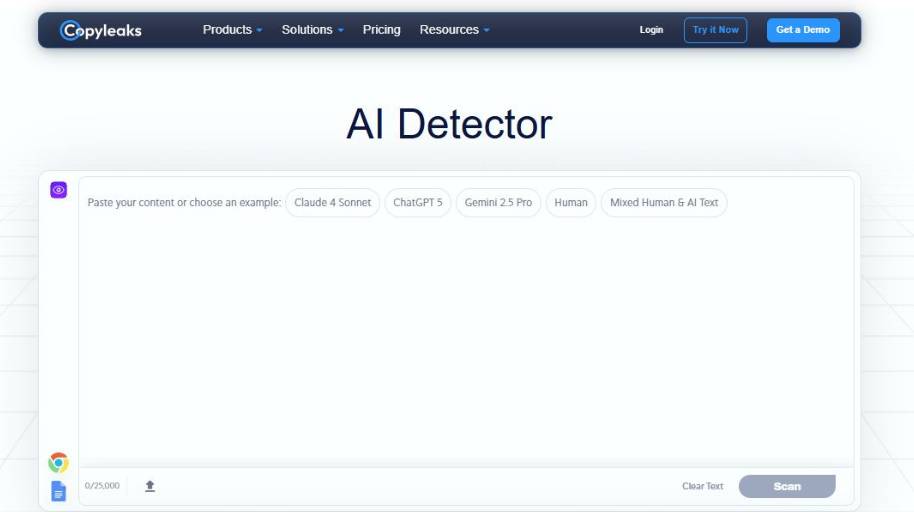
Copyleaks AI content detector is the tool that is used to determine if the content was written by a human or was generated by AI. The way it works is you simply copy the text you want to check and hit enter, then the AI analyzes your writing style to determine the probability of how likely it is AI-generated. This tool is very popular in academia, publishing, or any other business where originality is the key.
Key features
- AI Probability Score After running the test, this tool will provide you with a percentage of how likely the content is written by AI. This gives you an instant overview without leaving you blind.
- Sentence-level results Some results will outline sentences that were likely generated by AI. It’s great if you need to know where exactly the style changed.
- Style and Language This tool will analyze grammar structure, frequency of words, tone of voice, and many other patterns in language to determine if this style is used by AI algorithms.
- Multilingual Support This tool supports more than 30 different languages which is very useful if you’re a teacher with international students, or if your website supports multiple languages.
- Long text input You can input fairly large pieces of text which makes it useful if you need to scan whole essays, articles, or any kind of reports.
Conclusion
I find that the Copyleaks AI content detector is a tool that aims to be as serious as possible and does not simply throw some percentage in your face. The fact that it provides an in-depth explanation of what sentences could have been generated by AI is very useful. Of course, none of these tools are 100% accurate and should be used as an indicator rather than an absolute truth. But when used sensibly, it’s a great tool for detecting AI-generated content.
2. Galaxy.ai
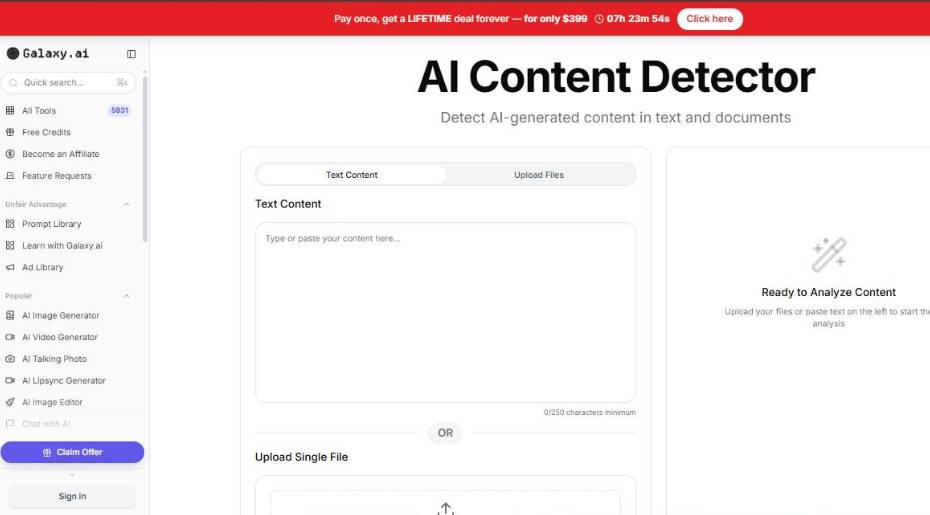
Galaxy.ai has a basic AI content detector that you can use to analyze text and determine whether it was written by a human or by AI. You copy and paste your text into the tool, click a button, and it will analyze the writing style, structure, and other tells to determine whether the content is likely to have come from a machine learning algorithm. The purpose of this tool is to give you a sort of “gut check” for when you’re reading something and you aren’t sure whether to believe it was truly written by a person.
Key Features
- Fast AI detection. You paste your text into the tool and it will analyze it as fast as possible to detect whether it was generated by AI. This is great if you need to analyze a lot of different texts.
- Detects patterns. The detector analyzes the text for patterns, such as the way sentences are constructed, the patterns of the language used, and other stylistic elements that are commonly found in AI-generated content. Essentially, it’s looking for patterns that are unlikely to be mimicked by human writers.
- Does not require an account. Something that many users appreciate is that you do not need an account to use the tool. This is just a minor convenience, but every little bit counts.
- Simple interface. The interface is nice and simple, making it easy for anyone to use, even those who aren’t tech-savvy.
Conclusion
The AI detector tool from Galaxy.ai is more of a tool than a full-fledged platform, and that’s what makes it so useful. It’s convenient, easy to use, and doesn’t overwhelm you with options or reports. As with any AI detection tool, remember that you shouldn’t take its verdict as law; just use it as a guideline. With a little common sense, it’s a useful tool to have in your back pocket for any time you find yourself wondering “was this written by a human?”
3. Winston AI
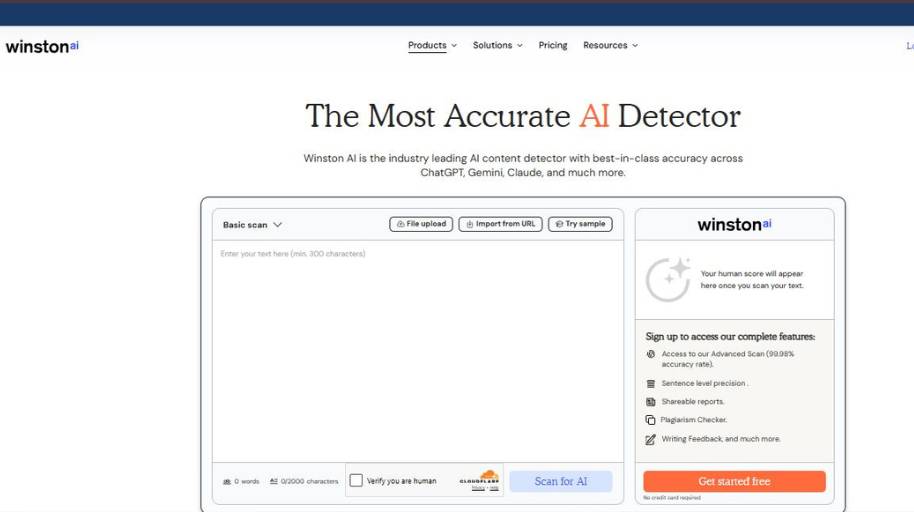
Winston AI is a tool that will help you determine if your text was written by a human or by an AI. You can copy your text into the tool (or upload a document), and it will use various algorithms to tell you if your text was written by an AI tool like a language generator. This tool is useful for teachers, editors, and other professionals who need to ensure that their content is original.
What are the features of the Winston AI tool?
- AI Text Detection: This is the primary function of the tool. You can copy your text into the detector, which will then tell you if your text was written by an AI tool like a language generator. The detector will look for patterns and use other algorithms to determine if a language generator was used.
- Likelihood of AI Use: Once you run your text through the detector, you will receive a score that tells you how likely it is that your text was written by an AI tool. You can think of this score as a suggestion rather than a fact.
- Plagiarism Detection: Not only does this tool detect AI-written text, but you can also use it to detect plagiarism. This is useful if you want to ensure that content uploaded to your website is original (or mostly original). The tool will scan the Internet for duplicate copies of your text.
- File Upload: In addition to copying text into the tool, you can also upload various types of documents, including PDFs and Word documents. This is useful if you need to scan longer documents, such as a research paper or a book chapter.
- Photo Scan: Believe it or not, you can even upload a photo of your text into the tool. The tool will then scan your photo and determine if your text was written by an AI language generator.
Our Opinion of Winston AI
This is a robust tool that appears to be one of the better AI detection tools on the market. Not only does it provide you with an AI detection score, but you also can use it to detect plagiarism and scan your documents. As with other tools, the detection algorithm is not perfect, so use your discretion when using this tool!
4. GPTZero
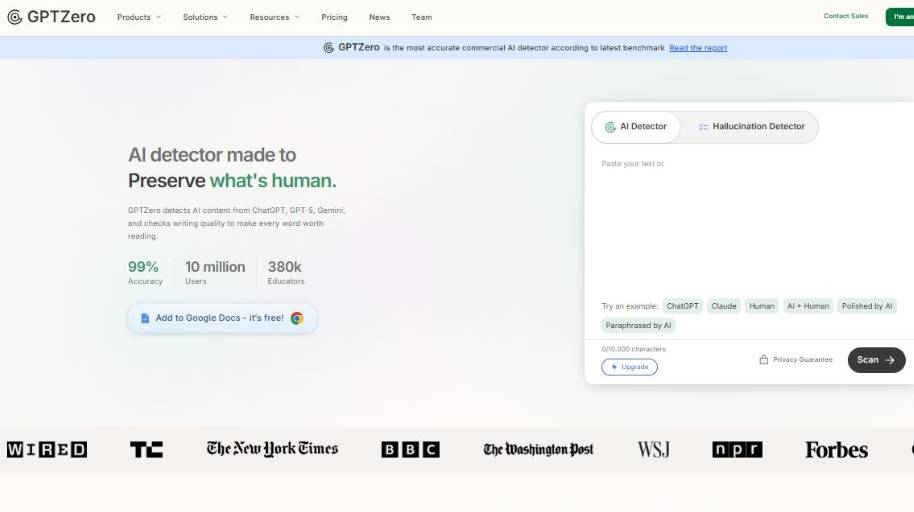
GPTZero is an AI content detector that attempts to determine whether a given text was generated by a human or by a machine. You copy the text into the tool and hit analyze, and it analyzes writing styles to determine the likelihood of the text being AI-generated or not. It is a popular tool in academia and in journalism because it at least attempts to provide explanations for its determinations, rather than just giving you a yes or no answer.
- AI Probability Detection: The tool analyzes the text to determine the likelihood of whether it was written by a human or by AI.
- Sentence-Level Highlighting: It will highlight sentences that it believes are likely to be AI-generated. I find this feature to be particularly useful when you’re reading a paragraph of text and you find it to be “too well-written.”
- Mixed Content Classification: Rather than simply labeling a text as human or AI-generated, the tool will also classify texts that are likely to be a combination of both. Let’s be real: This is probably the case for most content these days.
- Perplexity and Burstiness Analysis: This tool analyzes the perplexity (i.e., the predictability) of a text, as well as its burstiness (i.e., the variability of its sentence structure). In general, human texts tend to be burstier than AI-generated texts, which tend to be smoother.
- Plagiarism and Writing Insights: Some analyses may also offer tools to check the text for originality, as well as other writing suggestions to improve your content before you publish or turn it in.
The Verdict
GPTZero is perhaps one of the most popular AI detectors out there, and having now tested it out, I can kind of understand why. I appreciate the sentence-level analysis and the mixed content labels, which at least attempt to provide nuance to its analysis, rather than simply labeling a text as AI-generated or not. And, of course, no tool is perfect, so I certainly wouldn’t rely exclusively on it to make any major determinations. But as an initial first pass, particularly when a text seems “off” for whatever reason, it’s a useful tool to have in your toolbox.
5. Walter AI
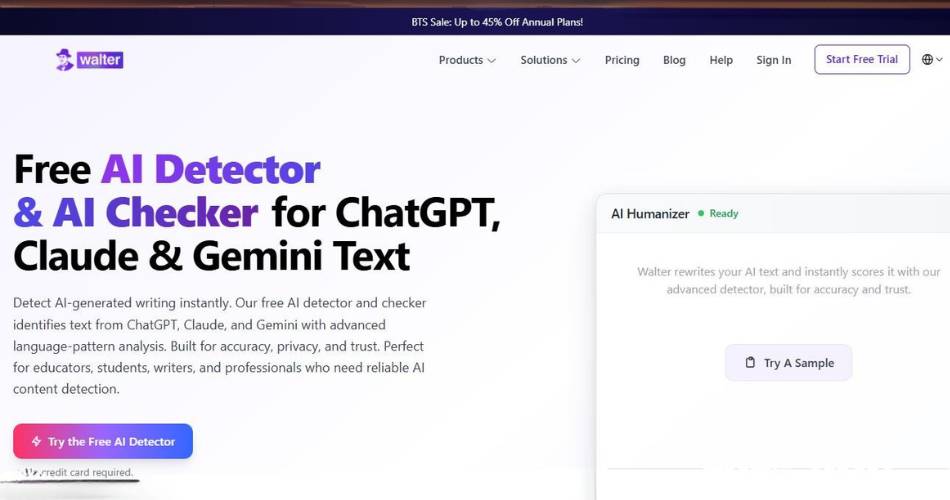
Walter AI offers an AI detector tool that attempts to classify input text as either human or AI generated. To use the tool, you simply paste the text into the detector, and it will examine the language and sentence structure to provide a prediction about whether the text may have come from a human or an AI. The intended use case here seems fairly obvious; if you’re an author, instructor, or an editor, and you suspect that a piece of writing is too good (or bad) to be true, you can use this tool to get a gut check.
Main Features
- AI Detection The detector will analyze text and attempt to classify it as either human or AI generated. In some cases, the detector will point out specific sentences that it suspects may be from an AI generator. This could be useful if you’re trying to identify where a piece of writing may have been generated by an AI.
- Fast Analysis Once you paste the text into the detector, it will attempt to analyze it in relatively short order. Obviously, the size and scope of the document will impact how quickly this happens, but you shouldn’t need to wait more than a minute or two to get the results.
- Simple Interface The interface for the tool is dead simple; even the most novice among us shouldn’t have any trouble navigating it.
Conclusion
Ultimately, the AI detector from Walter AI seems like a nice little tool to keep in your back pocket if you need to verify the authenticity of a piece of writing. It’s certainly not a particularly scientific endeavor, but it’s fast and simple, and that has a certain appeal. As with any AI detector, it shouldn’t be viewed as the ultimate authority on the matter, but as a trusted second opinion that can help inform your decision.
6. Phrasly AI
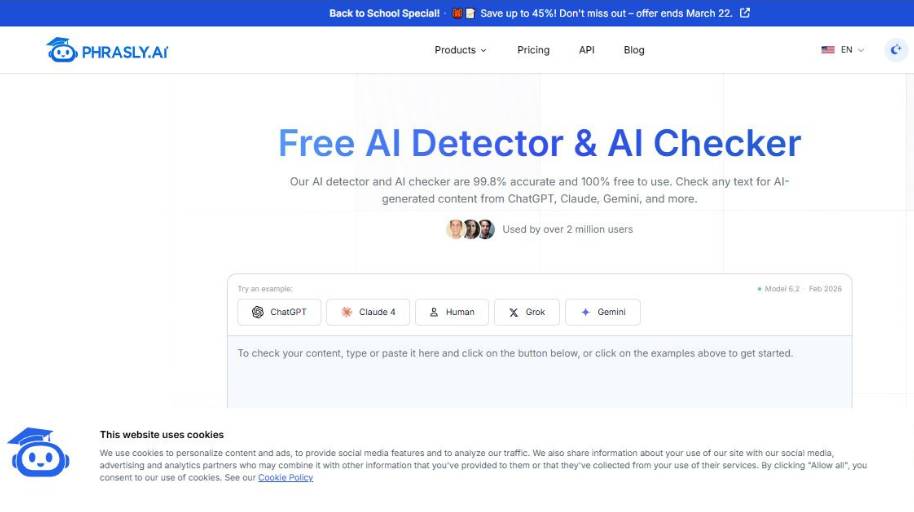
Phrasly has an AI content detector that attempts to determine if a piece of text was written by a human, or written by AI. You copy the text in, press the button, and it will go through the writing style to determine if it’s likely AI or not. It seems like the kind of tool intended for students, teachers, and anyone else who stops mid-read and goes “Wait a minute… this is too well written.”
What are its capabilities?
- AI Probability Detection The tool will go through the text, then tell you how likely it is the text was written by AI. It’s not a concrete answer, but it does give a good starting point.
- Sentence-Level Detection Some of the results will even call out specific sentences that seem AI-written, which can help you determine where the writing style seems to change.
- Fast Analysis The AI content detector is relatively fast, so if you need it for essays, blog posts, or any other written text on a short deadline, it should work okay.
- Simple Interface Paste the text, click the button, and you’re off. In fact, this is probably the best part.
Closing Thoughts
The Phrasly AI content detector seems like the kind of tool you should keep in your bookmarks for occasional use. It’s simple, easy to use, and doesn’t bother you with too many details. Yes, there’s no tool on the internet that’s 100% accurate, sometimes human writing can trick it, sometimes AI writing can fool it, but as a quick “Hey something’s not right” test, it seems to work well enough.
7. HumanizerPro
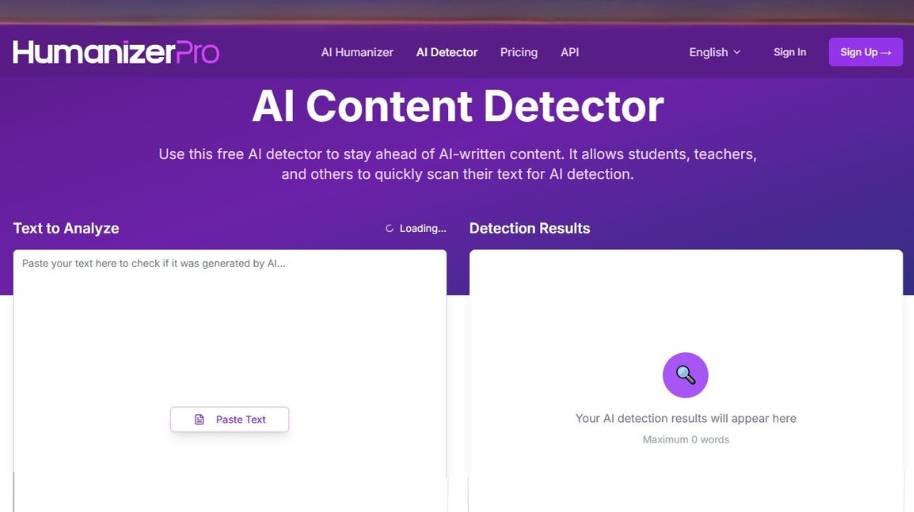
The AI content detector is HumanizerPro’s tool used to determine whether a certain content is written by human or AI. You copy the text and insert it into the tool. After running the test, it will tell you if AI was used to create it by determining the style and structure of the text. It is a simple tool that helps you determine if a certain text has been written by a human or not if you feel like you need to verify it.
Main Features
- AI Probability Detection This tool will tell you the probability of AI having been used to create a certain piece of text. It is not 100% accurate and should not be taken as fact.
- Pattern and Language Analysis The tool analyzes the text to identify repetitive patterns that are most commonly used by AI.
- Fast Text Scanning It is a fast tool that will not take much of your time as it produces results within seconds.
- Simple Web Interface It is a simple tool with a friendly interface that does not require any guidance to operate.
Conclusion
The AI content detector from HumanizerPro is a simple tool that does not do deep analysis. It is a fast tool that will help you verify if a certain text has been written by human or AI. As with all other detectors, the results of this tool should not be used as fact. However, if you are in doubt of the originality of a text, you can use it as a verification tool.
8. QuillBot
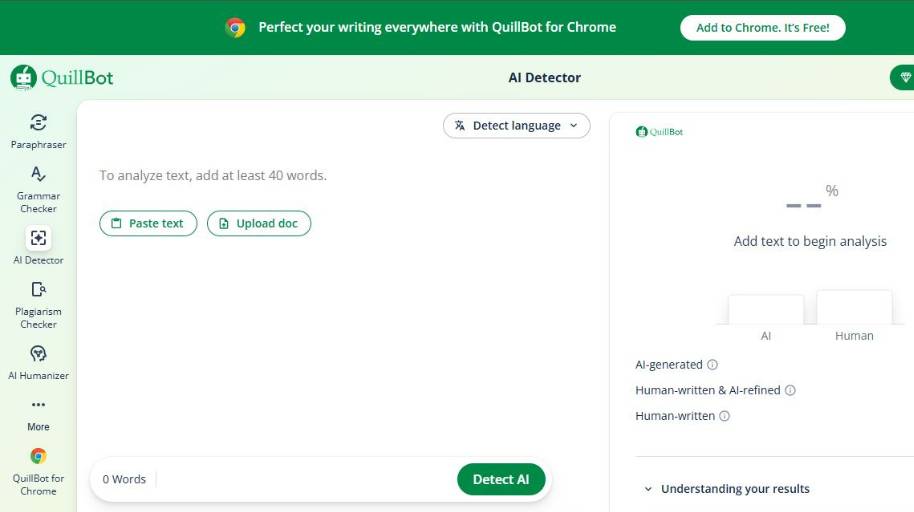
QuillBot provides an AI content detector, which can detect your text and predict if your content was written by a human or an AI tool. All you have to do is copy and paste the content into the detector. It then evaluates the writing style to predict the probability of its originality. This tool is useful for students, educators, and readers, who have at times read a few lines and wondered, “This reads a bit too fluently.”
Main Features
- AI Detection Score The detector scans through the content and predicts the probability of it being AI-generated. It provides a simple percentage and not a detailed report.
- Sentence-Level Analysis A few reports may indicate sentences that may have been written by AI. This allows you to pinpoint areas where the writing style or tone may have changed.
- Fast Copy-Paste Scanning All you have to do is copy-paste the content and click on the detect button. It will provide the results in a reasonable amount of time. This is particularly useful when evaluating long-form content such as essays, articles, or academic papers without taking a lot of time.
- Simple, Beginner-Friendly Interface The interface is simple and intuitive. Even the most non-technical person can operate it within a minute.
Final Thoughts
I find the AI content detector by QuillBot to be a handy tool for making quick assessments. That said, I am okay with it. Sometimes you may only need a hint and not a comprehensive investigation. The output is simple to understand and does not take a lot of time. However, as with any tool, the output is a suggestion and not a fact. You need to apply your discretion and judgment.
Benefits of Using Free AI Content Detector Tools in Schools
Here are a few reasons why these tools can be valuable for overworked educators. Time constraints, grading burdens, the emotional need to believe that your students are doing their own work . . . .
- Giving teachers a second opinion. Essay grading is time consuming enough without having to assess whether the work was done by a human. Plagiarism checkers are not perfect, but they can provide an immediate, low-tech tool for getting a read on whether an essay is genuine.
- Helping to maintain the integrity of a classroom environment. If one student puts a lot of time into an essay while another uses an essay-generating tool to produce a high-quality essay, it creates an unfair situation. While AI-generated essays cannot completely be prevented, these checkers can help to deter their use.
- Encouraging students to discuss and defend their work. Teachers could use these tools to, instead of accusing students of cheating, have students talk about how they generated an essay. If the student describes the process for generating the text, that’s one thing. If not, well . . .
Best Free AI Content Detector Tools With Direct URLs for Teachers
The quest for detectors is one we all know well, as we all come across it when we are up late at night, a little exhausted, and just want to find a better way to check an essay. Luckily there are several options that are free and easy to use (no computer science background required).
The simplest detectors are web-based
Most detectors are web-based. You can copy the content, paste it in a text box and press the “check” button. In a few seconds, the algorithm returns a probability score. Simple and easy. For the time-strapped teacher, it is just wonderful. No more squinting at the text at midnight.
Other detectors allow you to enter the URL
A few of them allow you to enter the URL where the content was published. If your students submit their work via online publication, this is the way to go. You don’t need to copy any content. Just enter the URL and the algorithm will do its work.
Use two or three tools
And here is a small hint: don’t use just one tool. Different tools will return different results. It might be a good idea to run the same content in two or three tools. Like a second opinion. Something that teachers are used to.
How Teachers Can Use AI Detectors Responsibly in the Classroom
AI can creep into the classroom, even when you don’t invite it. You’re reading a stack of papers one day, and the next day, you’re not so sure if that paragraph was generated by the student or not. AI detectors can help, but it’s just as important to use them in a responsible way. Lead with trust, not suspicion. The classroom is a better place when a teacher leads with trust. Students can tell when a teacher leads with suspicion. Every paper can’t be handled like a crime scene.
AI detectors should be used more as a background check, not brought to the foreground. Approach AI reports as flags, not absolute markers. A report from an AI detector shouldn’t be the final say in the matter. Rather, it should be a flag that says, “You might want to take a closer look at this.”
Don’t be afraid to ask the student to explain. Often, the simplest thing to do in a situation like this is to ask the student to explain how they completed the assignment. “Can you walk me through how you wrote this paper?” It’s amazing what you can learn from that one question, most of the time without incident.
Students are still developing. Students, especially teenagers, will try to game the system, take the easy way out, and procrastinate until the last minute. I think we’ve all been there at some point. Rather than rushing straight to discipline in situations like these, many teachers try to use them as teaching moments about integrity, hard work, and accountability. AI detection can be a part of that, but so is common sense, grace, and a willingness to listen.
Conclusion: Using AI Detection Tools as a Teaching Support, Not Just Policing
Teaching has never been a by-the-book profession. You’re in the middle of a lesson when you have to coach a hesitant student to share her thinking. With the emergence of new edtech, teachers are faced with yet another set of choices. AI detection tools can assist, as it depends how they are used.
It’s Not All About Gotcha
The first thing most of us think about when we hear AI detection tools in the context of education is cheating. Who did? Who didn’t? Truthfully, that’s a narrow view. We never signed up to be detectives. We signed up to support students, even when they falter.
The Role of AI Detection
AI detection tools can serve as a support for teaching when they are used to prompt a clarifying question. “How did you come up with this paragraph?” you might ask. Sometimes the student will talk you through their process with confidence. Other times the student will confess … but that’s just fine.
Focus on the Learning
As technology evolves, so will the strategies to game the system, as it’s one of the favorite pastimes of teenagers everywhere. The aim isn’t to catch every altered word. It’s to support the development of young writers as they hone their unique voices, sometimes fail, and over time improve their ability to communicate their ideas. AI detection tools can aid in that process, but that doesn’t replace the need for human interaction.


