

Short-form videos have become incredibly popular online. How many of us have scrolled for five minutes, only to realize that half an hour has passed? We all have, right? However, actually making those videos wasn’t always so simple. Not all of us have the time, energy, or editing expertise to shape any given concept into a decent Reel. That was until AI-powered video editing tools became a thing. There were no marching bands or official press releases. They just simply… existed. And, yes, creators have taken notice.
Short-form video creation used to feel like a small-scale movie production. You would need to clip and cut and adjust lighting and re-record because your hair looked funny that day. Sound like you? Same here. Nowadays it feels more streamlined and speedy, more like an outline than a feature film. There have been times when I’ve been pouring my morning coffee and suddenly thought, “Wait, I know what my next Reel could be about!” But it was always a struggle to actually produce that Reel. With AI video editing tools, the number of ideas I have now outweighs the number of excuses I have for not posting.


What Are AI Video Generators and How Do They Work?
I used to compare making a video to learning a new language. Edits, timeline, transitions. Half the time you’re just randomly clicking buttons hoping it does something. AI video tools flipped that process on its head. Now, instead of fumbling around with tools, you try to communicate a concept to a machine and see if it can help you create a video. I know, it still sounds kinda crazy. To me, it’s like having an invisible intern. I type a sentence, upload a couple of photos, maybe add a theme. The machine reads the context, organizes scenes, adds the pictures and makes a video. Sometimes it doesn’t quite get the context, but most of the time it’s close enough.
Now, the reason it feels so easy is because it does all the grunt work. It does the timing, transitions and the most basic form of editing. You have more time to focus on things that matter. The concept, the joke, your personality. Because the reason people watch short-form videos isn’t because they’re perfect. They watch for energy, for ideas, for something that feels… human.
Benefits of Using Free AI Video Generators for Instagram Reels
Recording short-form videos might be fun until you find yourself editing for three hours and wondering why you even started. This is why AI video generators exist. They take your loose idea and attempt to refine it into something that’s digestible and perhaps even faster than you think. It’s not magic, but it feels like it.
Faster content creation with less stress
It’s happened to all of us: You stare at a blank screen and have no idea where to begin. AI-based video editing tools give you a jump-start, organizing segments, recommending order, and taking care of all those technical details most of us don’t enjoy doing.
Ideal for non-video editors
Let’s face it. Not everyone wants to become a video editor. Most of us just want to share a message, tell a joke or share a quick anecdote. AI video editors help make this possible without the need to learn complex video editing software.
Improved creativity
Once you remove the more mundane tasks of editing, you have time to be more creative. You think about the message, your tone, and perhaps even push the limits a bit. This is often where the best Reels are born.
Best Realistic AI Video Generators for Instagram Reels Free
1. Edpuzzle
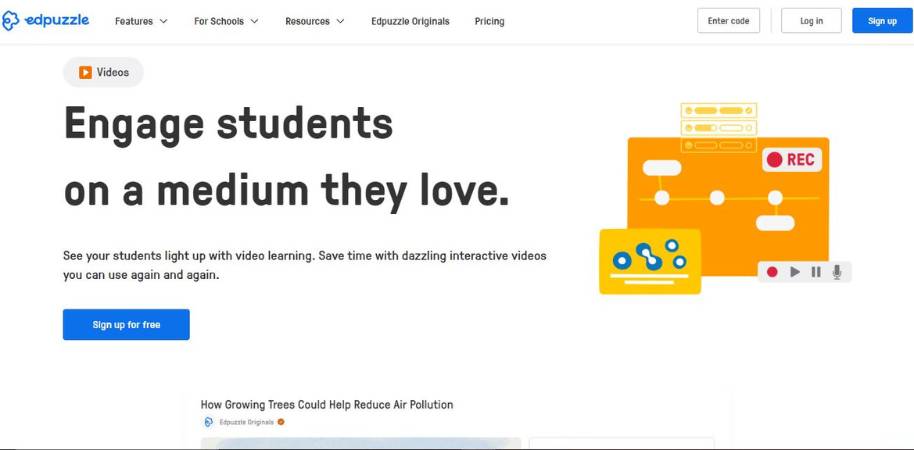
While Edpuzzle is best known for its interactive video editing platform, the platform also offers a powerful AI-powered video maker that you can use to make videos for educational or other purposes. While you can’t use Edpuzzle to create a video from scratch, the AI video maker gives you the option to edit an existing video and add questions, voiceovers, and more to it. In other words, it’s more of a video editing platform than a video maker, and you may find that it suits your needs best for certain types of projects. Here are some of the features you can expect from Edpuzzle’s AI video maker:
- Interactive video editing: Edpuzzle’s AI video maker allows you to easily edit a video and cut out scenes, trim the length of the video, or add notes and other information to the video. For many users, this will be the extent of the editing they need to do to create an educational video.
- Embedded questions: With Edpuzzle’s AI video maker, you can add questions to the video itself, and users have to answer them as part of the video-watching experience. This is great for educational videos, and the platform even offers an AI option to suggest questions.
- Voiceovers and notes: Another option in Edpuzzle’s video maker is to add a voiceover or note to specific parts of a video. This is great when you want to explain something without having to recreate an entire video.
- Progress monitoring: Finally, Edpuzzle’s AI video maker includes an analytics tool that tells you who has watched the video, where they stopped watching, and how they performed on any questions you added to the video.
With Edpuzzle’s AI video maker, you can create an educational video in just a few minutes. It’s not the most full-featured video editing platform, but Edpuzzle makes it easy to add questions, voiceovers, and more to an existing video, and to monitor how users interact with that video. Edpuzzle is not a video maker in the classical sense, as it doesn’t give you the option to create a video from scratch using templates and a drag-and-drop editor. However, the platform is powerful in its own right, especially for users who need to create educational content for students. With Edpuzzle, you can add questions, voiceovers, and more to an existing video, and monitor how users interact with that video. It’s free to sign up for an Edpuzzle account and start using the platform to create educational videos for your students.
2. Galaxy.ai
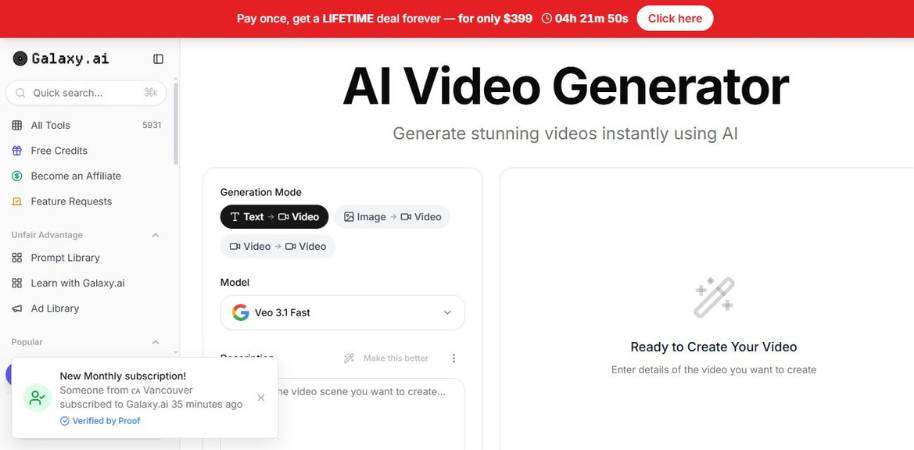
The video generator by Galaxy.ai is ideal for users who wish to input their ideas in the system and generate a video without going through the process of advanced editing tools. Users can input text, image or video to generate a video. It’s more of a ‘tell-me-what-to-do’ type of interface rather than a ‘do-it-yourself’ interface.
Main Features
- Text-to-Video Generation: Users can input a prompt or a short description and the AI will generate a video scene according to the input. This option is useful when you have a brilliant idea but don’t have enough footage to create the video.
- Image-to-Video Animation: Users can convert static images into animated videos. The platform will add motion and animation effects to the images, which is useful for narrative videos or social media videos.
- Video-to-Video Transformation: Existing videos can be converted or transformed into a new video by using the AI effects and filters. This feature helps users to give an entirely new look to an existing video without having to shoot it again.
- All-in-One Platform: The platform has several AI tools and models integrated into one platform, including video generation, editing and enhancement tools.
Conclusion
Galaxy.ai seems like a platform that is trying to democratize the use of AI video generators for content creators who are non-techies. The option to input text, image or video to generate a video is certainly helpful. Although, it’s not a perfect platform and may require users to make some adjustments to the output. Nevertheless, it’s a good starting point for anyone who wants to create experimental videos or social media videos quickly.
3. Freebeat
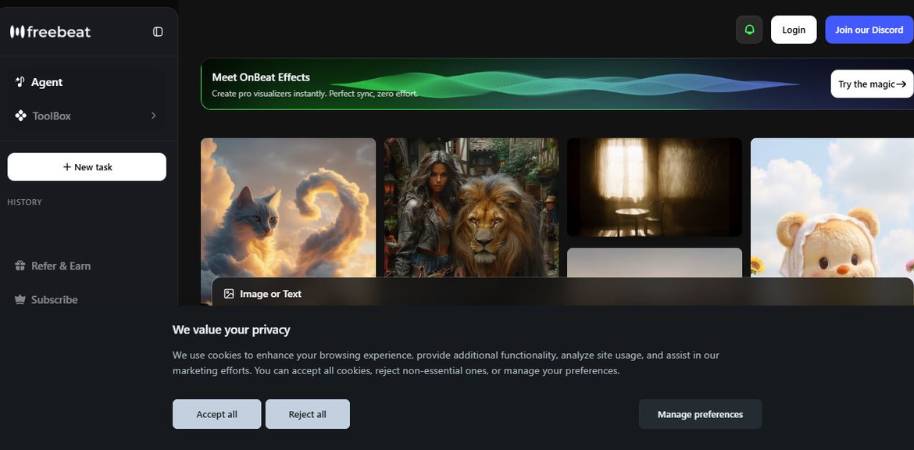
Freebeat is an AI video maker primarily focused on creating video content from audio or music. Rather than slicing up clips yourself, you can either upload a track or have the AI create a video based on your text, with the AI-designed scenes adapting to the beat, tempo, and feel of the music. It’s quite fast, almost a little too fast, and the video results are often cinematic in appearance for something so automated.
Key Features
- Music-to-Video Upload a piece of music, and the AI will create a video that matches the beat, tempo, and feel of the track. Essentially, it “listens” to your music, then creates a video around it.
- Dance, Lyric, and Music Video You can use the tool to create different types of videos, including dance animations, lyric videos, or music videos.
- AI Storyboarding and Planning The AI will plan out the scenes for your video automatically, complete with transitions and structure, without needing you to edit anything.
- Custom Aspect Ratio The video can be exported in various formats, such as vertical, square, or horizontal, ideal for social media.
- AI Effects and Captions You can add various AI effects, captions, and other elements to your video without needing advanced editing capabilities.
Summary
Overall, Freebeat seems like it’s built with musicians and social media creators in mind. Being able to create a video from a song in a matter of minutes sounds incredibly appealing, especially for those who hate editing software. The results aren’t always perfect, as there are still some weird moments with AI, but the beat-matching video is really cool. If you need a fast music video or social media clip, it’s a useful (and fun) generator to play around with.
4. VEED
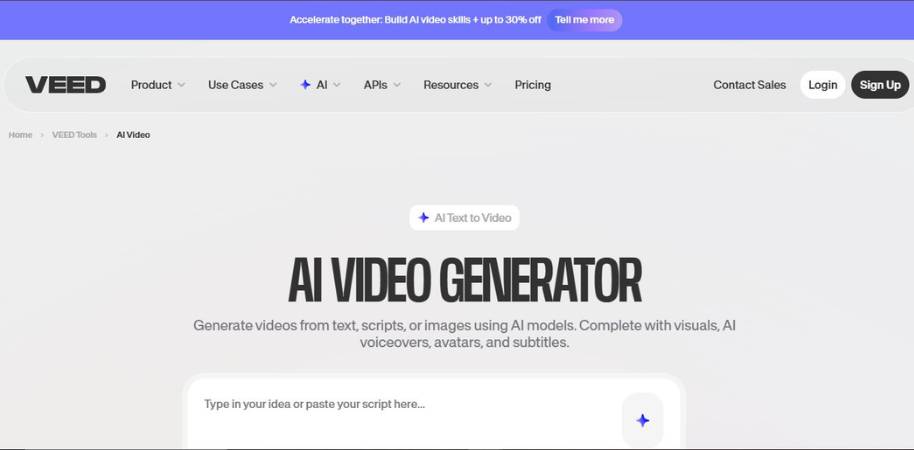
VEED is an AI video maker that attempts to make the process of creating videos less daunting, particularly for those who are not skilled editors. With this software, you can input an idea, a piece of text, or a clip and use AI to make a finished video out of it. It is one of those tools where you start playing “just for a minute” and you find that you have created an entire video clip.
Key Features
- AI-powered text-to-video conversion If you have a few lines of script, you can simply type it into the software and it will create a basic structure for a video from it. It even decides the scenes and graphics that are best for the video. This is perfect for when you have a concept but no visual to go with it.
- Automated subtitles and captioning The software automatically creates captions for you and matches it with your speech. I can assure you that this feature alone saves you so much time and work, especially if you have ever had to write out subtitles for a video before.
- AI presenters and voiceovers You can make videos that feature digital presenters and AI voiceovers. This is perfect for when you do not feel up to being in front of the camera and presenting or you just do not have the time to record yourself.
- In-built video editing suite Apart from generating videos, you can also trim your video, add transitions, text, and effects without leaving the platform.
- Templates for social media videos If you are struggling to create content for your social media videos, there are a variety of templates that you can use to speed up the process.
Conclusion
Overall, I will say that VEED is a great middle-of-the-road video creation software that is between a video editor and an AI video creation tool. It is not too serious or heavy with too many complicated features. While it might be missing a few customization options that some content creators might desire, it is perfect for those looking to make quick and simple content. If you are looking for a tool that offers both AI video generation and video editing capabilities, I will definitely recommend giving VEED a try.
5. Edimakor
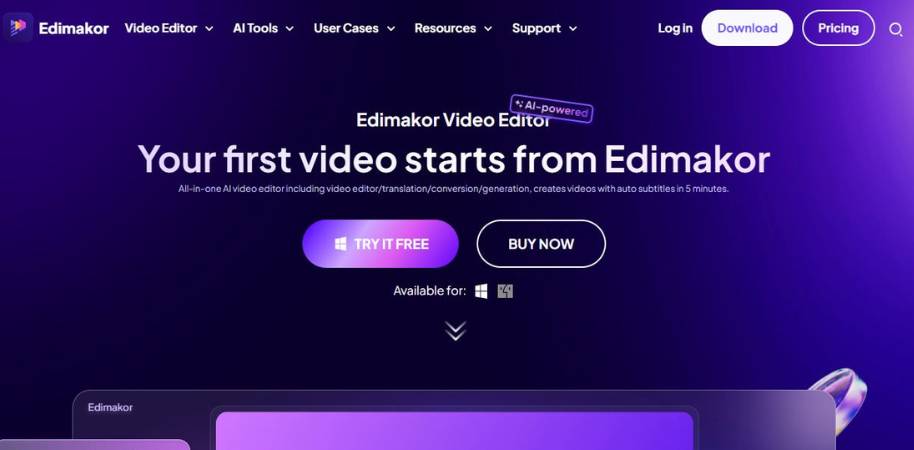
Edimakor is an automated video editing and creation platform designed for those who wish to shorten their editing time and avoid endless timelines. With Edimakor, you can start with text, script, or even raw footages, and the platform will guide you to create a final video. Edimakor works almost like an assistant editor who does all the boring parts while you concentrate on the narrative. Here are some of Edimakor’s key functionalities.
Main Features
- Text-to-Video Generation By typing your script or ideas, Edimakor can automatically create a video for you with scenes, images, and durations already set. This is quite useful when you have an idea before you have any footage.
- AI Avatars and Voiceovers Edimakor can produce AI avatars and voiceovers if you don’t want to record yourself.
- Automatic Subtitles and Transcription It can automatically transcribe and subtitle your footage for you. If you’ve done this manually before, you would appreciate this function.
- Smart Video Editing Tools It offers smart editing tools such as cutting, transitions, effects, and AI editing tools to help you sort out your clips without having to play the timeline puzzle.
- Multiple Export Formats It can export videos in various formats and aspect ratios for easier export of videos for social media platforms.
Final Thoughts
Edimakor is in between an editing platform and a content creation platform. While this may be a con, it’s also a pro as it still provides you with control and reduces the amount of work you have to do. It’s not perfect and at times you may need to help the AI do its job. However, if you’re looking for a practical platform to reduce your editing time without having to dig deep into editing, then Edimakor is a great place to start.
6. FlexClip
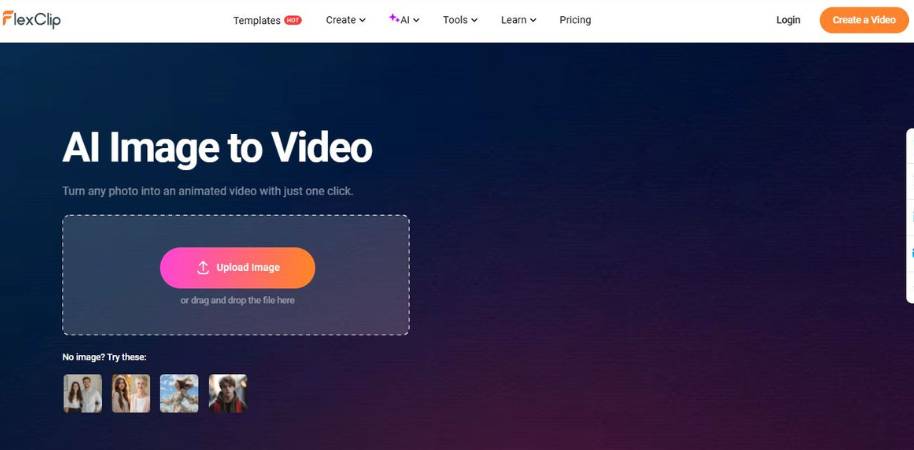
The core concept of FlexClip’s AI image-to-video feature is pretty straightforward. It’s all about converting still images into moving animated videos without deep video editing. Simply put, you provide images and some context, and then the AI will try to put them together with animations, transitions, and other video elements. It’s not video editing in the truest sense. It’s more like making a quick pictorial with elements you already have. Here are the key features of FlexClip’s AI image-to-video generator:
- Image to Video AI Generator Upload still images to the AI generator and it will convert them into animated video scenes with motion and transitions. If you have some images but no video clips, this AI tool is quite handy.
- AI scene and motion effects The AI tool automatically adds motion effects to still images so they aren’t dull and static.
- Built-in templates If you are having a hard time organizing your video or if you are facing a blank timeline, you can try the templates provided by FlexClip.
- Text and caption tools You can add text titles, captions, and overlays to narrate the video or provide context.
- Drag-and-Drop video editor Even if you used the AI video generator, you still have the freedom to customize scenes, duration, and other elements in a drag-and-drop video editor. This is great for non-editors or those who aren’t familiar with the video editing interface.
Conclusion
Making quick videos with FlexClip’s AI image-to-video generator is quite easy and fun. Whether you need a storytelling video, a photo slideshow, or a short social media clip, the AI tool can get the job done. I am not saying that FlexClip’s AI generator is the best in the market. However, it’s quite good at making quick and simple videos.
7. Deevid.ai
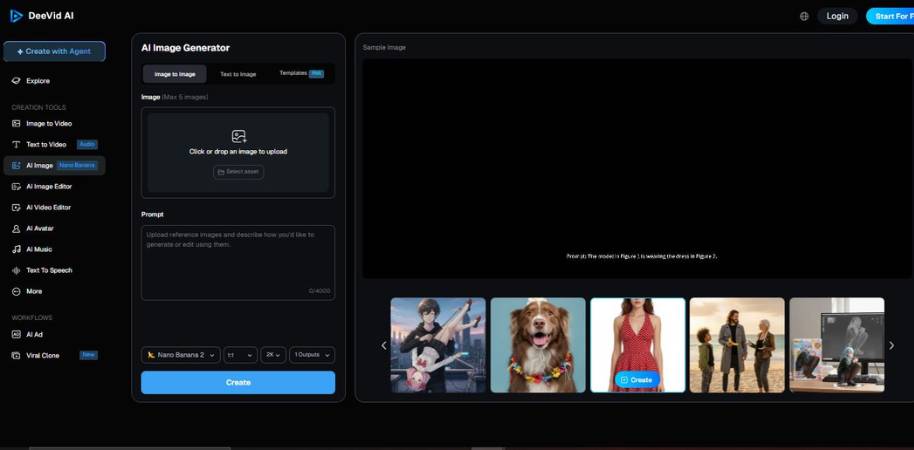
Deevid.ai is a service that is best known for its AI image generation capabilities, but falls into the AI video creation category because these images can easily be used to create video content. The concept is fairly straight-forward: describe what you’d like to see, have the AI create images for you, and then use these images to create short videos. It’s the type of service that you open up out of curiosity… and before you know it you’re playing around with scenes you hadn’t considered.
Main Features
- AI Image Generation: describe what you’d like to see in a scene, and the AI will generate an image for you. This image can then be used as part of a video.
- Prompt-Based: rather than having to manually manipulate pixels, you can describe what you’d like to see and the AI will create it for you. If you have ideas but no design experience, you’ll find this incredibly liberating.
- Style Options: the AI can generate images in various styles, which is useful if you want to create video scenes with different visual feels.
- Fast Export and Editing: images you create can be downloaded for use in other video editors and creative suites with minimal fuss.
Conclusion
Deevid.ai isn’t a pure-play AI video generator that will spit out a fully-formed video for you. Instead, it’s best described as a tool that can be used at the outset of a video creation project to generate images that can then be used in a video. Personally, I quite like tools that encourage creativity rather than automating absolutely everything, so if you like to tinker and create videos from AI-generated images, you’ll probably have fun with Deevid.
8. Abacus.ai

Now, I want to make something clear: Abacus.ai’s ChatLLM is not a “push a button and get an entire video” type of platform. It’s more of a “let’s get ideas for what the video is going to be about” type of tool. You can use it to generate scripts, ideas for scenes, and even voiceover scripts in a matter of minutes. If you’ve ever sat with a blank page trying to plan out a video… you know how nice it is to have some support here.
Main Features
- AI Script Writing You can use it to generate scripts, hooks, and even voiceover scripts. This is super useful if your mind suddenly blanks out in the middle of the day.
- Idea and Concept Brainstorming Want to generate some video ideas or story ideas? This tool will help with that too. You can ask it to generate ideas and then develop them into content.
- Prompt-Based Content Generation Everything here is based on prompts. You enter a prompt describing a video idea, and the tool will generate some ideas based on that prompt.
- Multi-Model AI Workspace This tool allows you to work with multiple AI models at once, so you can play around with different types of content generation.
Final Thoughts
So Abacus.ai doesn’t generate videos. And that’s OK. The platform’s main value is in helping with the planning phases (which in my experience is the biggest part of content creation). If you have access to a video generation platform and just need a bit of help on the content side of things, this tool may be a useful addition to your workflow.
Best Free AI Video Generators for Instagram Reels
At times, a good AI video generator can be like a thrift store. You find tools that sound great but when you attempt something innovative, they fail. There are tools that exceed your expectations. The best ones complement your creativity; they don’t overpower it. Here are some examples.
Simple Video Generators
Some tools are for those who want to get the work done, and not learn rocket science. You enter your script or images, and the tool generates a video for you. The output may not always be perfect, but if you’re making a Reel, it suffices.
Video Generators That Aid in Planning
Besides, there are tools that assist you in planning scenes, tempo and even visuals. This tool acts as your thought partner who doesn’t get exhausted.
Choosing the Ideal Tool
Obviously, the ideal tool is a matter of personal choice. While some content creators prefer to automate the tasks, others would like to retain some control. Experiment with different tools and play around with them until you find the one that suits you.
Tips for Creating Viral Instagram Reels Using AI
You’ve heard it before: “go viral.” As if there’s a formula for it stored in a file somewhere. Newsflash… there isn’t. Some content just blows up. Some of it falls flat. But there are a few hacks that can help, particularly with AI in your back pocket.
1. Start with a hook, not a definition
When folks are scrolling, they scroll. So if your first two seconds are boring, you lose them. Start with a question, something surprising, or right in the middle. People will be curious.
2. Keep it short and snappy
There is a time for longer content, absolutely. But I find that the snappier and shorter the content, the more it spreads. AI can help you cut to the chase and speed up the content.
3. Add your flavor
Finally, I think this is the most important one. AI can help you with the framework, but your personality is the key. So add a joke, add a rant, add a little faux pas. Ironically, those are the things that stick.
Conclusion: Are Free AI Video Generators Worth Using?
Short form content is not going away. In fact, it’s getting shorter, louder, and a bit more insane by the day. The question is not, are AI video generators a thing. The real question is, do they make things easier for creators? In my experience, yes… just not in the way you’d think.
A Tool, Not a Magic Button
AI will not make a boring concept brilliant. That’s still up to you. Your humor. Your quirky little way of telling a story. Your words. What these tools do is eliminate the grunt work so you can play around with the good stuff.
Worth Trying? Probably Yes
If you’ve held back on creating video content because editing seemed daunting, these tools definitely make the hill a little smaller. Are they perfect? No. But for testing, learning, and getting your message out quicker? Truthfully, they’re really hard to deny.


